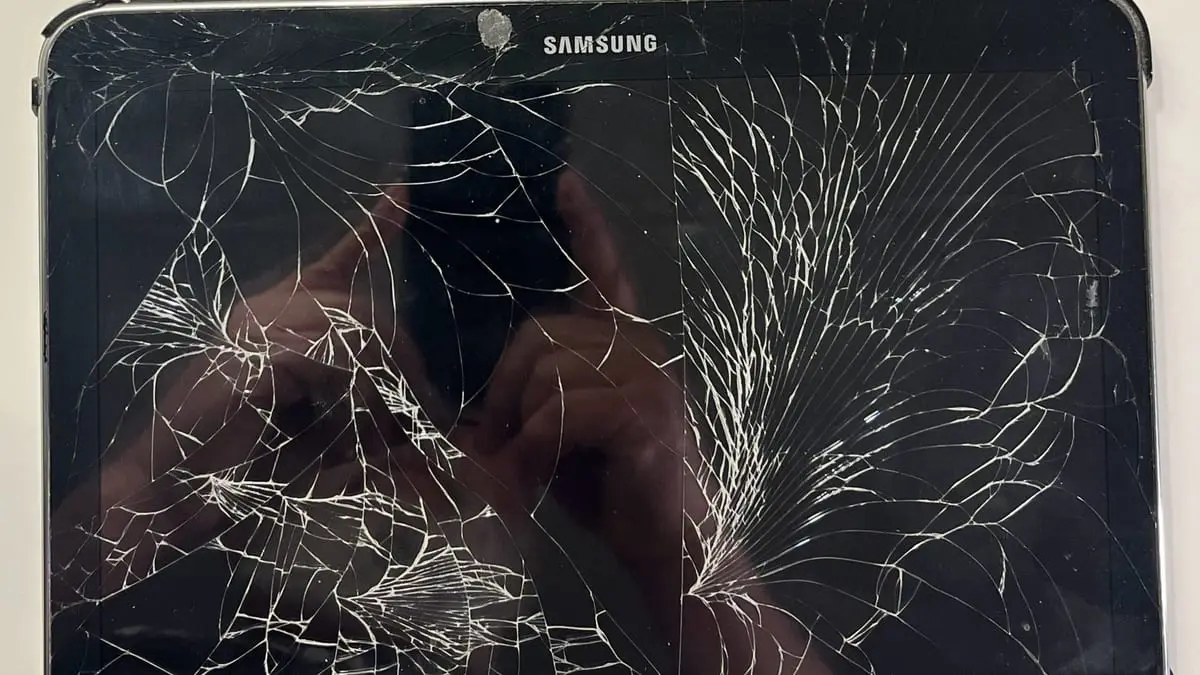
Samsung Galaxy Tab Repair in Merced: Screen, Battery & Charging Port
Cracked Galaxy Tab screen, a battery that dies fast, or a tablet that won’t charge? Here is how Samsung tablet repair works at ART & FIX, with price ranges.
Read More »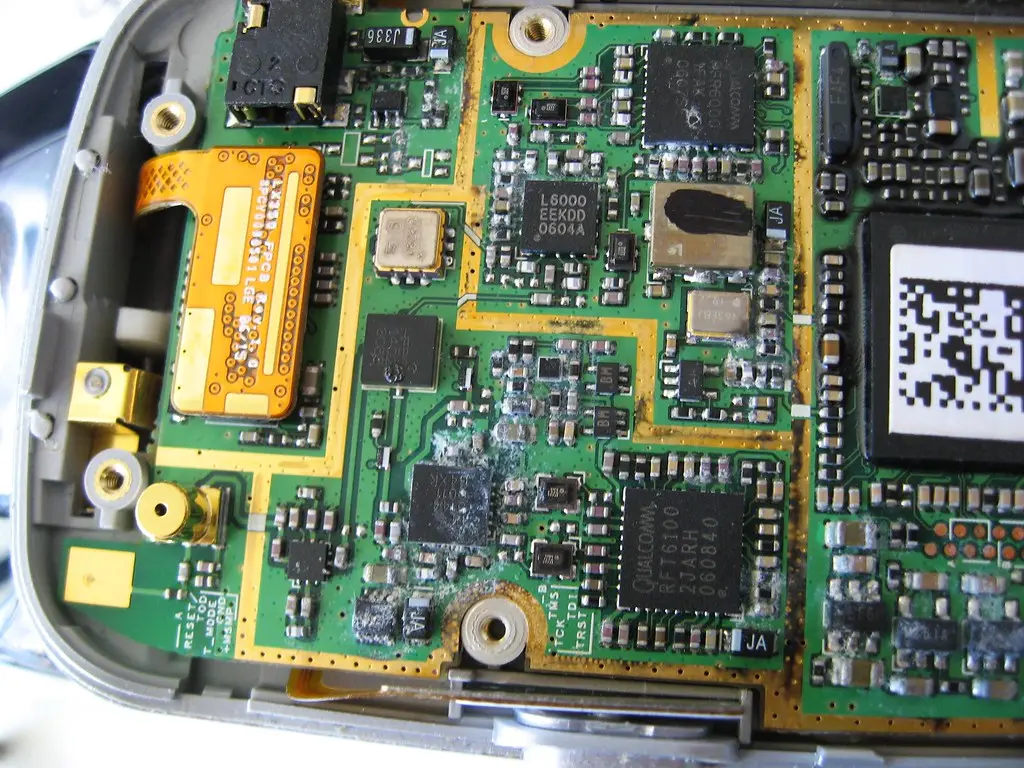
October 16, 2026 · Updated November 13, 2026 · Water Damage
Quick answer
Take the phone out of the water, turn it off, and do not charge it. Remove the case and SIM tray, wipe it dry, and skip the bag of rice. Then bring it to a repair shop quickly, because corrosion inside the phone causes most damage days later.
Pool, toilet, sink, Lake Yosemite or a spilled drink: water damage can happen to anyone. What you do in the first hour matters most. This guide comes from the wet phones we open at our Merced repair bench every week. Follow the steps below to give your phone the best chance, and save the checklist for later.
| Do this | Not this |
|---|---|
| Take it out and turn it off | Keep using it to “see if it works” |
| Unplug it and leave it unplugged | Charge it, by cable or wireless pad |
| Remove the case and SIM tray | Leave a wet case trapping water |
| Wipe it with a soft, lint-free cloth | Use a hair dryer, oven, microwave or sun |
| Hold it port-down and tap it gently on your hand | Shake it hard or push swabs into the ports |
| Leave it in a dry spot with moving air | Bury it in rice |
| Get it checked within a day or two | Wait a week because it “seems fine” |
Get the phone out of the water and power it off right away. Electricity plus water is what causes short circuits on the board, so a phone that is off has a much better chance.
Plugging in a wet phone is one of the fastest ways to damage the charging port and the board. Do not connect a charger or wireless pad until the phone has been checked.
Take off the case and pop out the SIM tray so trapped water can escape.
Wipe it with a soft, lint-free cloth. Do not use a hair dryer, oven, or microwave. Heat can damage the battery, screen, and glue seals. In a Merced summer, do not leave it on a hot car dashboard to “dry out” either: heat is hard on a battery even on a dry day (more in our post on summer heat and phone batteries).
Rice does not pull water out from inside a phone, and rice dust and starch can get into the ports. It mostly just wastes time.
Shaking can move water deeper inside. Pressing buttons over and over to “see if it works” can cause a short circuit.
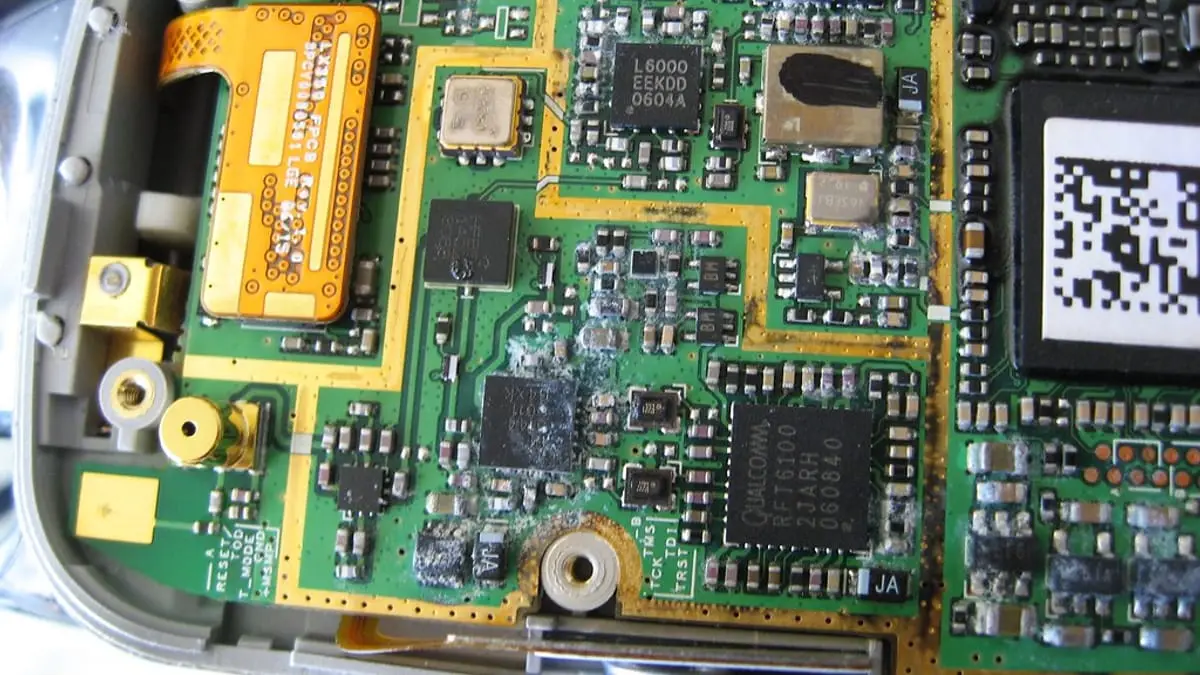
Even if the phone seems fine, water left inside slowly causes corrosion on the board. Corrosion is what usually kills a phone days or weeks later, so a fast cleaning makes a real difference.
Most newer iPhones and Galaxy phones have an IP67 or IP68 rating. That rating is tested in a lab, in still, fresh water, on a new phone. In real life the seals get weaker with age, drops and earlier repairs, and pool, salt and sugary liquids are harder on them than lab water. Most phone makers’ warranties also do not cover liquid damage, so a water-resistant phone can still need a repair after a swim.
Newer iPhones can show Liquid detected in Lightning connector (or USB-C connector), and Samsung Galaxy phones show Moisture has been detected on the charging port. The phone is protecting itself, so:
A phone can work fine right after a spill and then start failing as corrosion spreads. Watch for:
If you notice any of these after a spill, bring the phone in. The longer corrosion sits, the more parts it reaches.
We open the device, clean liquid and corrosion off the board, test each part, and replace what is damaged. When a chip or circuit on the board is damaged, we also do board-level repair. Water damage repair can take longer than a screen or battery repair, and we will give you a free estimate and a time estimate when you drop it off. Learn more about water damage repair in Merced.
Share this checklist. Teachers, coaches, pool managers, dorm staff and local bloggers are welcome to link to this page or print the checklist above. Most wet phones can be saved when people know the first steps.
No. Rice does not pull water out from inside a phone, and rice dust can get into the ports. It mostly wastes time you could use to get the phone cleaned.
No. Charging a wet phone can short-circuit the charging port and the board. Wait until it has been checked.
It is a good idea. Water left inside causes corrosion slowly, so a phone can work for days and then fail. A cleaning soon after the spill is the best way to stop that.
Water-resistance ratings are tested in a lab with fresh water on a new phone. Seals weaken with age, drops and repairs, and pool, salt and sugary liquids are harder on them. Most manufacturer warranties do not cover liquid damage.
Often, yes. ART & FIX cleans liquid and corrosion from the board, replaces damaged parts, and does board-level repair when needed. The sooner you bring it in, the better the chances.
ART & FIX repairs phones, tablets, laptops, and computers at 1034 W. 18th Street, Merced, CA 95340. We are open every day, 8:00 AM – 8:00 PM, and every repair comes with a 30-day repair warranty.
Call or text (209) 446-7200 before you come, book a time online, or send us your device model and problem for a free estimate.
Cracked Galaxy Tab screen, a battery that dies fast, or a tablet that won’t charge? Here is how Samsung tablet repair works at ART & FIX, with price ranges.
Read More »Cracked iPhone SE screen? Here is how SE screen replacement works, why your home button matters for Touch ID, and what it costs at ART & FIX.
Read More »Most phone screen replacements take 30-60 minutes. See what happens during the repair, what can slow it down, and how to get your phone back the same day.
Read More »