Black Spots, Bright Spots or Dead Pixels on Your Phone Screen
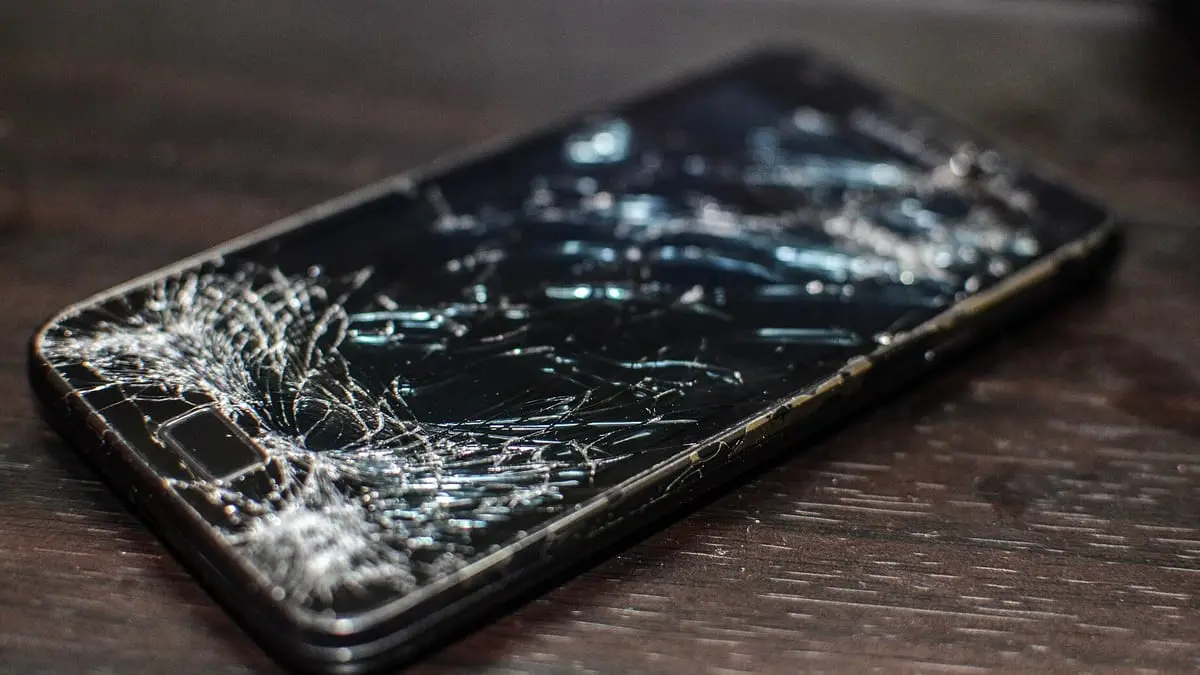
Black spots, a bright white spot, dead pixels or half the screen gone black? Here is what causes each one and whether your phone screen can be fixed.
Read More »
November 27, 2026 · Screen Repair
Quick answer
Lines on a phone screen usually mean the display panel or its cable is damaged, most often after a drop, pressure or water. Restart the phone and take a screenshot: if the lines are not in the screenshot and do not go away, the screen needs to be replaced. Software causes lines only rarely.
One thin green line, a band of flickering white lines, or a rainbow of stripes across the display: lines on a phone screen look alarming, but the phone itself is usually fine. Here is what causes them and what you can check before you pay for a repair.
Lines on a phone screen almost always come from the display hardware. A drop or pressure in a pocket can crack the panel under the glass even when the glass looks fine. The thin cable that connects the screen to the board can loosen or tear. Water and heat damage the panel too. A software bug causes lines only in rare cases, usually right after an update.
| What you see | Most likely cause |
|---|---|
| One thin green, pink or purple vertical line | The OLED panel is failing. Common on Samsung Galaxy phones. The line usually stays or spreads. |
| Horizontal white or colored lines that flicker | A damaged panel or a loose display cable, often after a drop. |
| Lines plus a black or purple “ink” area | The panel under the glass is cracked. The dark area usually grows. |
| Lines that appear after the phone got wet | Liquid damage. Turn it off and follow the water damage first steps. |
| Lines only in one app, or only after an update | Software. A restart or the next update often fixes it. |
The screenshot test is the most useful one. A screenshot captures what the phone is drawing, not what the panel shows. If the lines are in the screenshot, it is software. If the screenshot is clean, the display is damaged.
A screen that is lifting or bulging can mean a swollen battery pushing on the display. Stop charging the phone and bring it in. Do not press the screen back down.
Lines caused by damage almost never go away for good. They can disappear for a while when the phone warms up or when you press on a spot, then come back. Tapping or pressing the screen can make a cracked panel worse, so avoid it. If the lines spread, the screen can stop working or stop responding to touch, so back up your data while you still can.
If the screenshot is clean and a restart does not help, the display needs to be replaced. On most phones the glass, touch layer and display panel are one part, so the whole screen is changed even if the glass is not cracked. At ART & FIX we test the phone for free and tell you the price before any work begins. Most phone screen repairs are done the same day. See what a new screen usually costs in our phone screen repair cost guide.
If your screen shows lines and also taps by itself, read our guide to ghost touch and unresponsive screens.
Yes, by replacing the display. A green line comes from the OLED panel itself, so a restart, update or factory reset will not remove it.
Rarely. Take a screenshot: if the lines are not in the screenshot, the display hardware is damaged and the screen needs to be replaced.
Usually, for a while. Back up your data, because the lines can spread. If the screen is lifting or the phone gets hot, stop using it and bring it in.
ART & FIX repairs phones, tablets, laptops, and computers at 1034 W. 18th Street, Merced, CA 95340. We are open every day, 8:00 AM – 8:00 PM, and every repair comes with a 30-day repair warranty.
Call or text (209) 446-7200 before you come, or send us your device model and problem for a free estimate.
Black spots, a bright white spot, dead pixels or half the screen gone black? Here is what causes each one and whether your phone screen can be fixed.
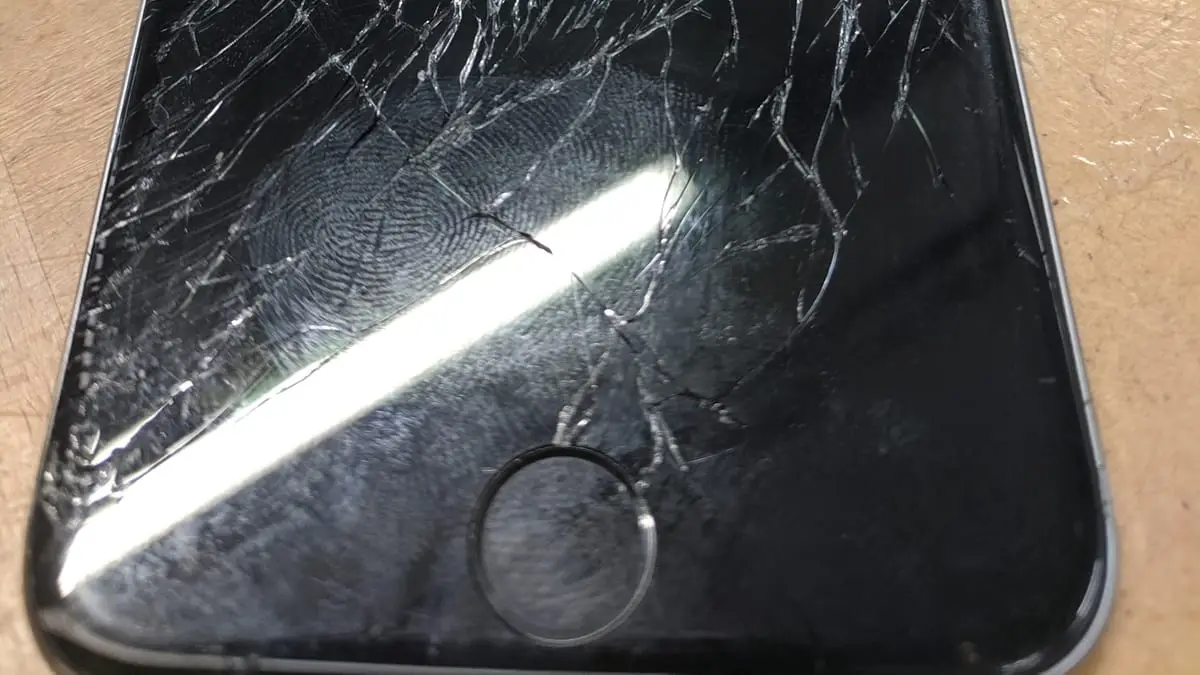
Read More »Cracked iPhone SE screen? Here is how SE screen replacement works, why your home button matters for Touch ID, and what it costs at ART & FIX.
Read More »Replacing a phone screen usually takes 30–60 minutes and is done the same day. See what happens during the repair, what can slow it down and how to get your phone back faster.
Read More »